Product description


Model Number:KR2201B-4
Input voltage: AC 110V /220V
Working current: 30A
Maximum load power: 3300W
Frequency: 433Mhz
Support encoding format: EV1527, PT2262
Working mode: Momentary, Toggle, Latching ,Time delay

Model Number: KT05-AB
Working voltage: DC6V
Working current: <25mA
Working frequency: 433MHZ
Transmitting power: +13dbm
Format: 1527 encoding

2* Remote Control
1* Receiver Module
1* manual
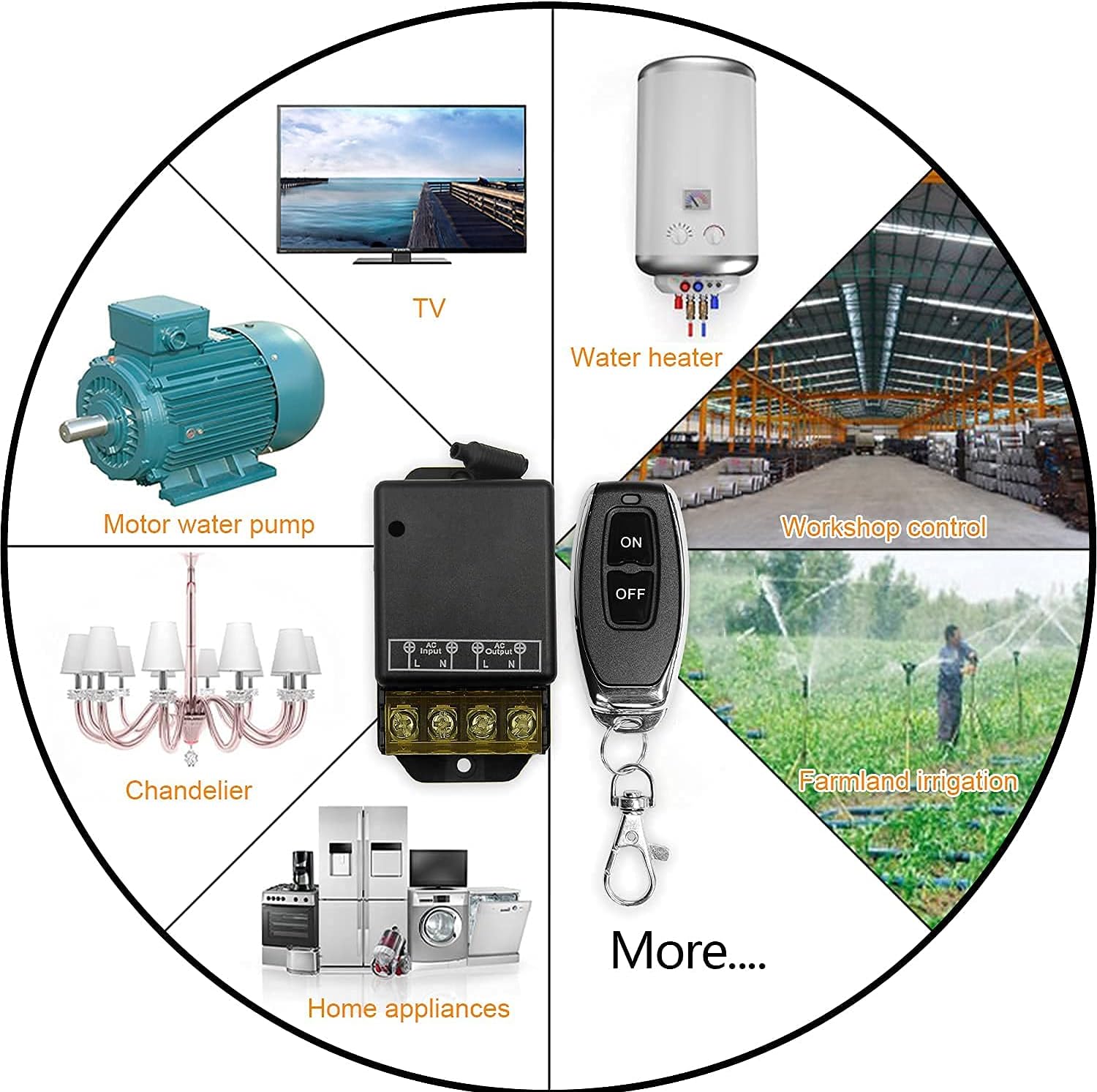
Do you want to easily open your garage door with a remote control? Is it easy to control your factory? , Can you easily control your home appliances? Our products just include these areas of use, which can meet any of your needs, and can also be used in high-power electrical appliances, bringing you the greatest convenience.
Our controller has a huge advantage. The antenna of the controller is wrapped with a layer of rubber ring. This is to facilitate better signal reception and prevent the antenna from being damaged. The design of the wiring in our controller is Flip the cover up and down, so that it can be fixed more firmly after the wiring is completed, and protect the connected line from damage. The voltage it can bear can be within 220v, and it can be used on high-voltage equipment

A: You only need to pair the second and third remote controls with the wireless relay one after another.Please do not reset the relay during this process; otherwise, all previously paired/programmed remotes will become ineffective.
A:If you want to change the mode of a programmed/paired remote, you must reset the wireless relay and then select a new mode to pair (use with caution, as resetting will make all remotes paired with this relay ineffective).

Our products have passed strict product supervision. After countless tests, we have come to the following conclusions: remote control, strong signal reception, control through walls, high-power electrical appliances, applicable to a variety of electrical appliances, industrial Control and security fields, such as electric fans, electric lights, irrigation equipment, water heaters, household appliances, production workshops, alarms, water pumps, etc., can all be controlled by remote control.

About Toggle Mode:
Press once the remote button , the relay connects , press the remote button again, the relay dis-connects .
Set Toggle Mode
Click the Settings button on the receiver twice, wait for the LED to light up, and enter the setting state; then click the button (such as button A) on the remote control once, when the indicator light on the receiver flashes and goes out, the toggle mode setting is successful.

About Latching Mode:
Press the remote button A, the relay connects, press the remote button B, the relay dis-connect.
Set Latching Mode
Click the Settings button on the receiver 3 times, wait for the LED to light up, and enter the setting state; click the button on the remote control (such as button A) once, When the indicator light on the receiver flashes and lights up again then click the button on the remote control (such as button B), The indicator light on the receiver flashes and goes out, Latching mode is set successfully.

About Momentary Mode:
Press the remote button , the relay connects; release the remote button , the relay dis-connects.
Set Momentary Mode
Click the Settings button on the receiver once, wait for the LED to light up, and enter the setting state; then click the button (such as button A) on the remote control once, when the indicator light on the receiver flashes and goes out, the toggle mode setting is successful.