Product description
TECKNET Bluetooth Trucker Headset
NOTE: TECKNET over-ear trucker bluetooth headsets are designed for calls and music, for TV viewing, use specialized TV headphones to prevent delay. Headphones over 33 feet away or with a wall between may cause unstable signal and disconnections or distorted sound.

2-in-1 Bluetooth Headphones
Play everything from phone calls to your favorite music with the 2-in-1 wireless headset with mic for work. With classic styling and comfortable fit, great to use at home, work, and everywhere.

Widely Compatible
The headset with microphone for pc supports connection to devices such as cellphone and laptops, and works perfectly with Zoom, WebEx, Skype, Microsoft Teams, FaceTime and other conferencing software.

3 EQ Modes
TECKNET Wireless bluetooth headset with microphone have 3 EQ modes which you can freely switch between POP Mode, Bass Mode, and Vocal Mode. Each mode provides you with the CD quality sound.

USB Dongle Connect
No need for bluetooth pairing, combines high-performance plug-and-play USB technology; Non-Bluetooth devices connect with Dongle
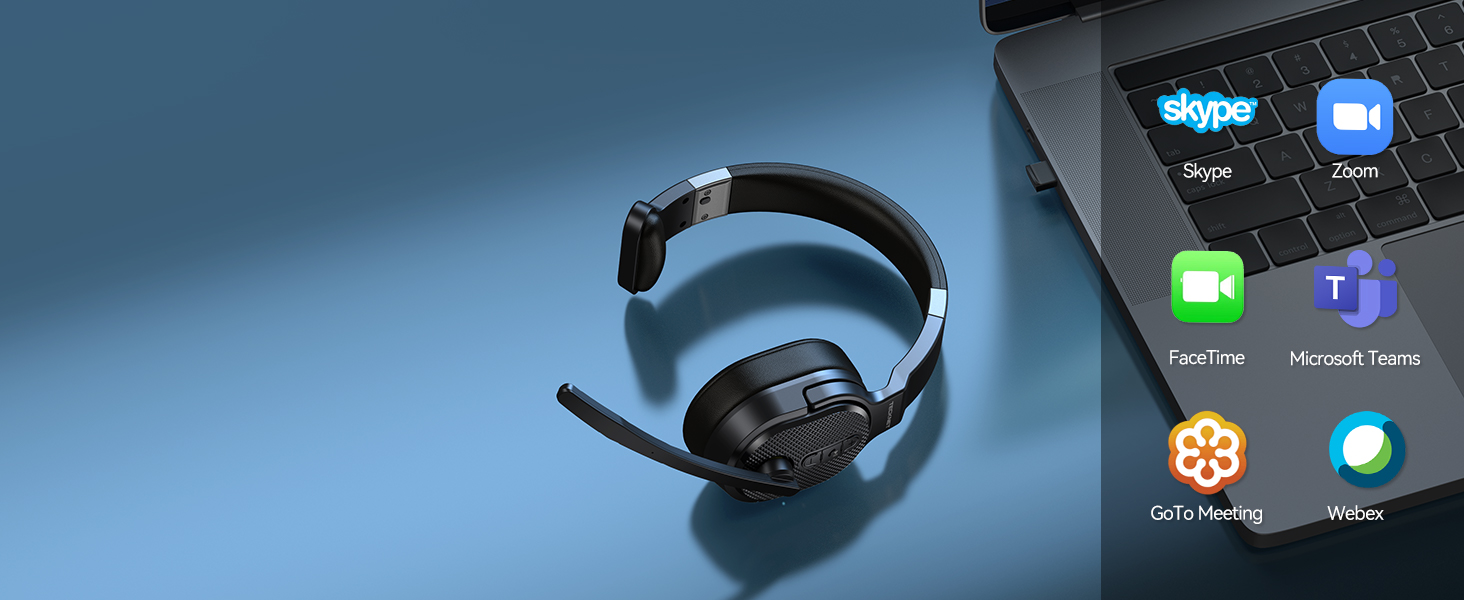
Wide Compatibility
Bluetooth headset with microphone combines usb wireless tech, compatible with PC/laptop/tablet/phone

All Day Comfort
Wireless headset with mic for work adopts Over-Ear for better noise reduction and comfort

Up to 50 Hours of Talk Time
TECKNET bluetooth headset with microphone for pc has a long battery life, which can provide 50 hours talking time or music time.Your headset is fully charged in just 2 hours.


Perfect for Truckers
Receptionists
Call Centers
Construction Sites
Unboxing & Troubleshooting
INCOMPATIBLE DEVICE:
Unboxing & Troubleshooting
How to pair TK-HS005 bluetooth headset to phone via blueooth?
Long press MFB 3-5 seconds to turn on the headset and enter pairing mode with LED flashes Blue & Red alternately; Search and click to connect "TK-HS005-PHONE" in the Bluetooth list of the phone
How to pair TK-HS005 bluetooth headset to computer via blueooth?
First, press MFB for 3-5s to enter pairing mode; Then, select Start > Settings > Bluetooth & other devices > Add Bluetooth or other device > Bluetooth > Click on the model number [TK-HS005-PHONE] of your device > Connect Success
How to pair TK-HS005 bluetooth headset to computer via USB dongle?
First, plug the dongle to the USB-A port and wait to recognize it. (LED indicator will flash blue) ; Then, press MFB for 3-5s to enter pairing mode (LED indicator will flash blue and red alternately); Finally, you will hear-Your headset is connected
Headphones don't Bluetooth to computer/cell phone, what should I do?
Confirm that the device has Bluetooth function, and the Bluetooth version is above 3.0 (please update the driver below 3.0); Rule out that the attached USB receiver is not used at the same time because the priority of USB connection is higher than BT
Can the headset be used while charging?
Yes, but when the battery power is too low or the power quality is poor, it may cause a current sound. It is not recommended to use this function frequently, which will affect the battery life.
Is the mute button compatible with software on all devices?
Due to the limitation that different devices have different software protocols, the mute button of the headset is only compatible with mobile phones, and other devices are temporarily incompatible
What devices can be used to charge?
As long as the DC voltage is 5V, the car charger, travel charger, computer USB, etc. with a current of more than 500mA can charge the TK-HS005.
Under what circumstances will it automatically shut down?
It will automatically shut down if there is no connection for more than 10 minutes or the battery is too low.
How to connect back? What if I can't connect back?
If the connection fails, please re-pair. It is required that you can connect back within 10 minutes, automatically shut down after more than 10 minutes, and only report once (Your headset is disconnected) after long-distance disconnection.