Product description


Model Number: B121A
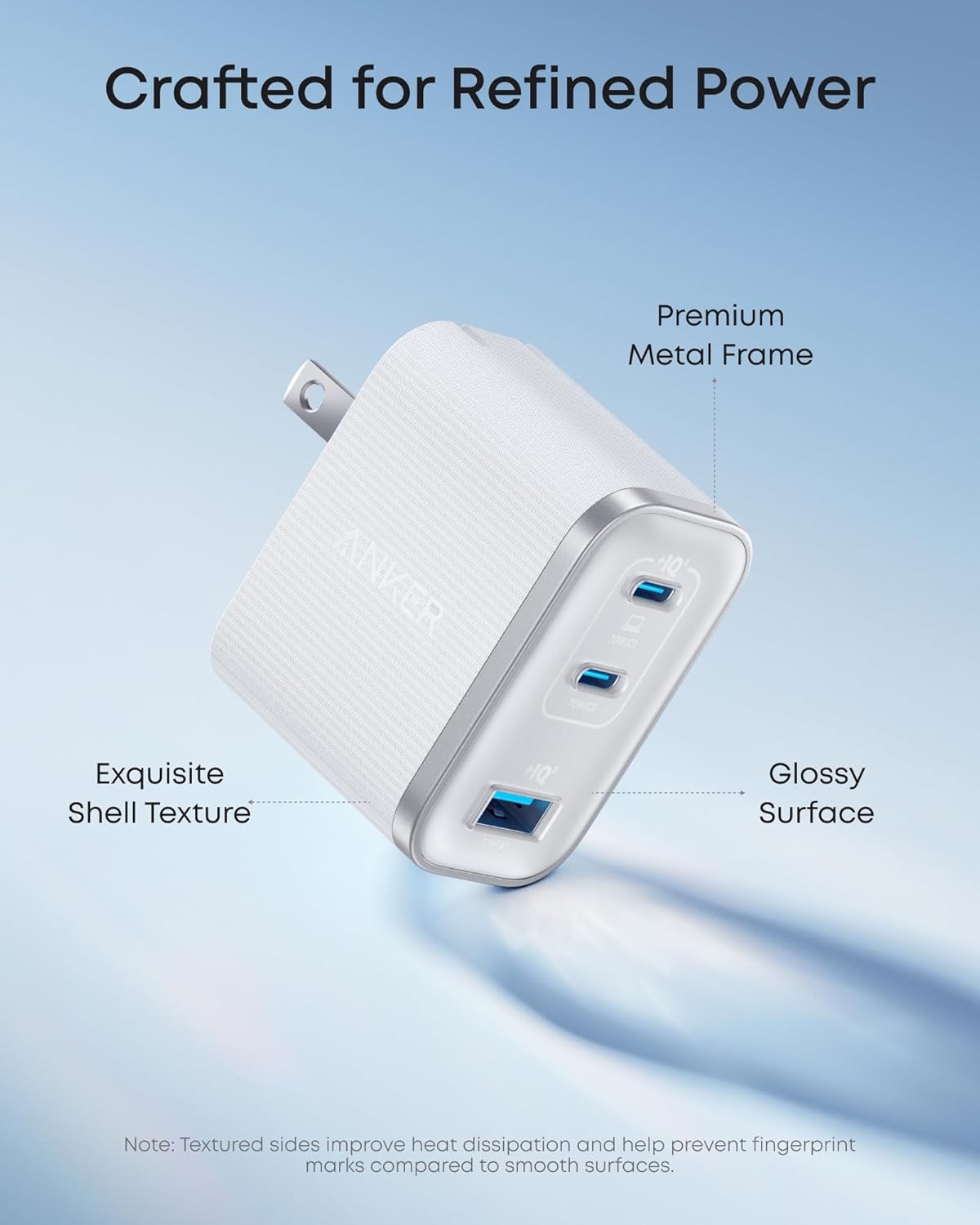
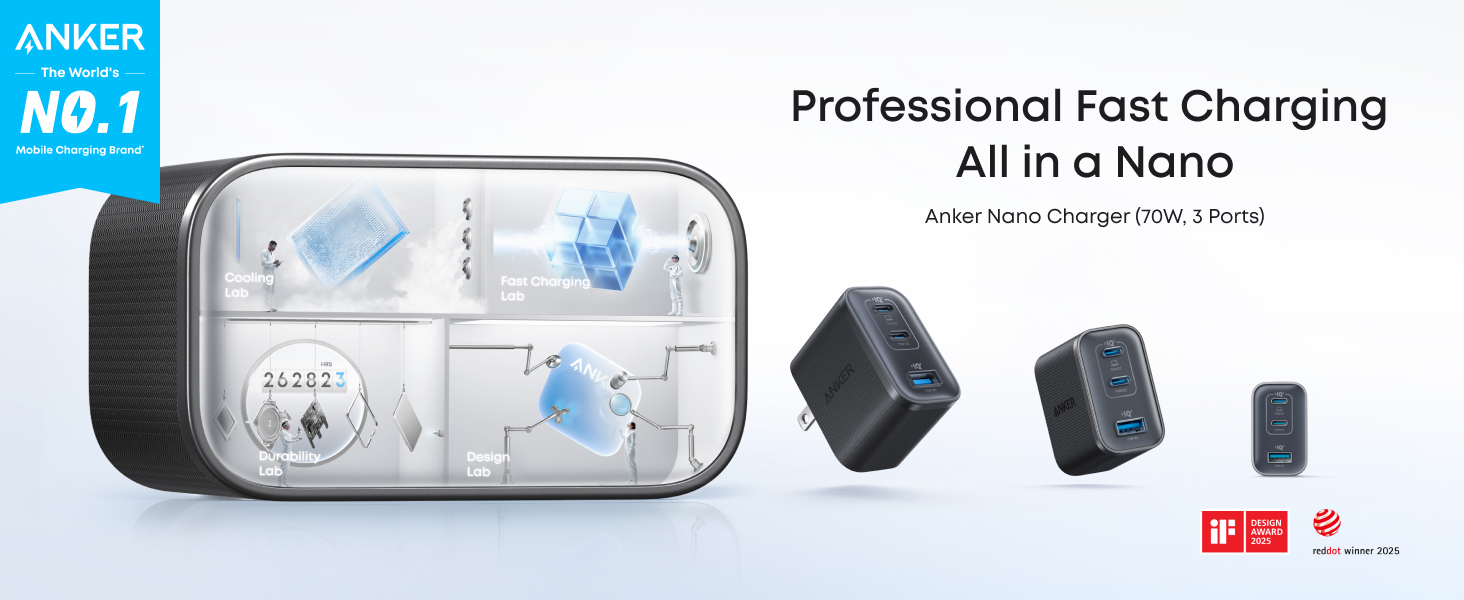
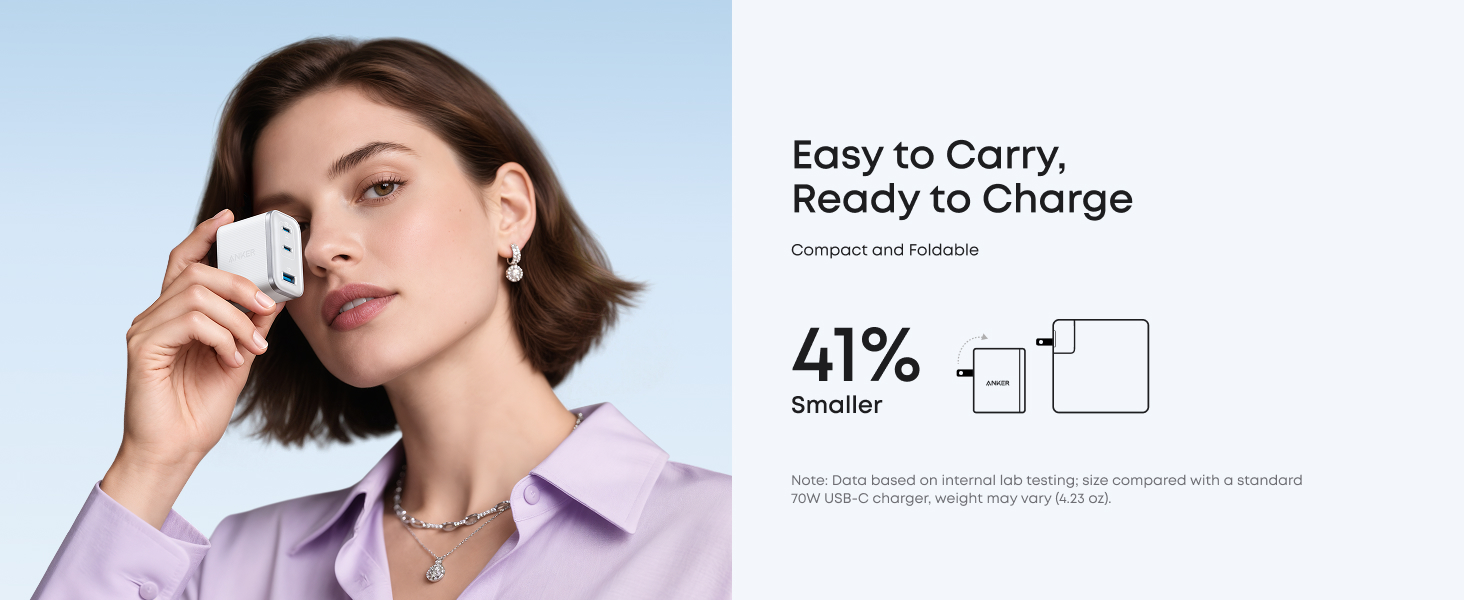
Anker Nano Charger (70W, 3 Ports) with USB-C Cable Compact Power, Styled for Speed
70W Power for MacBook
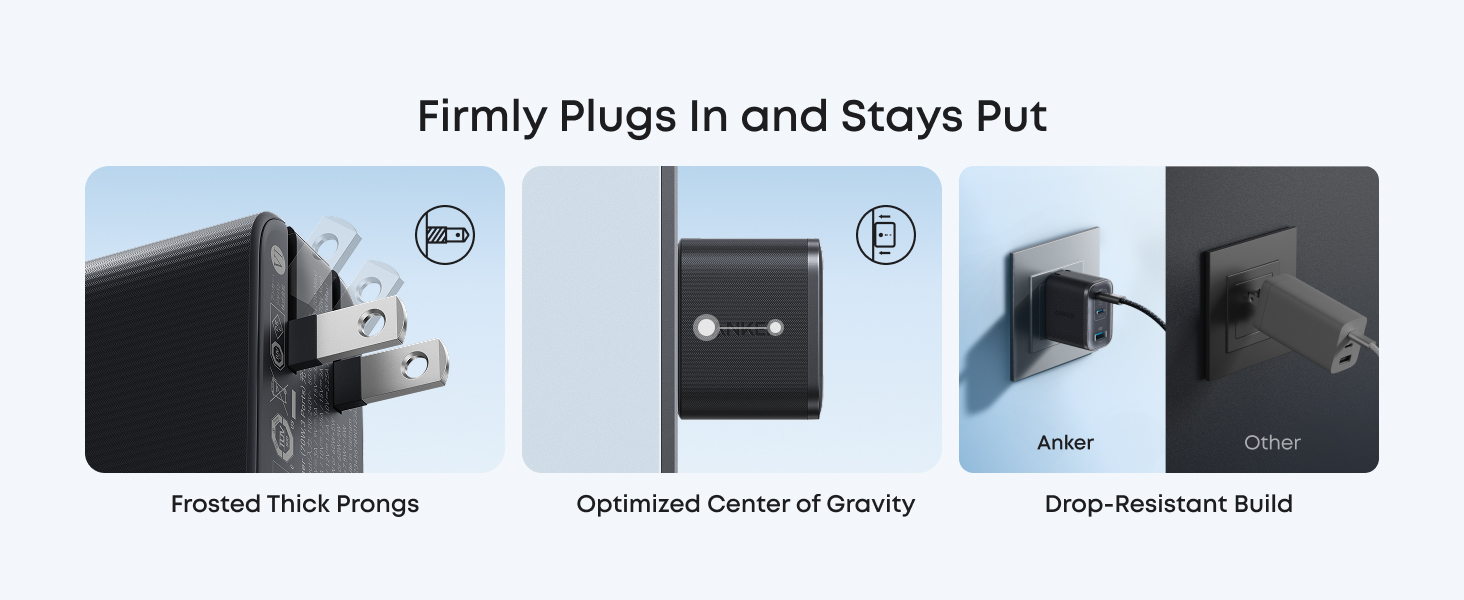
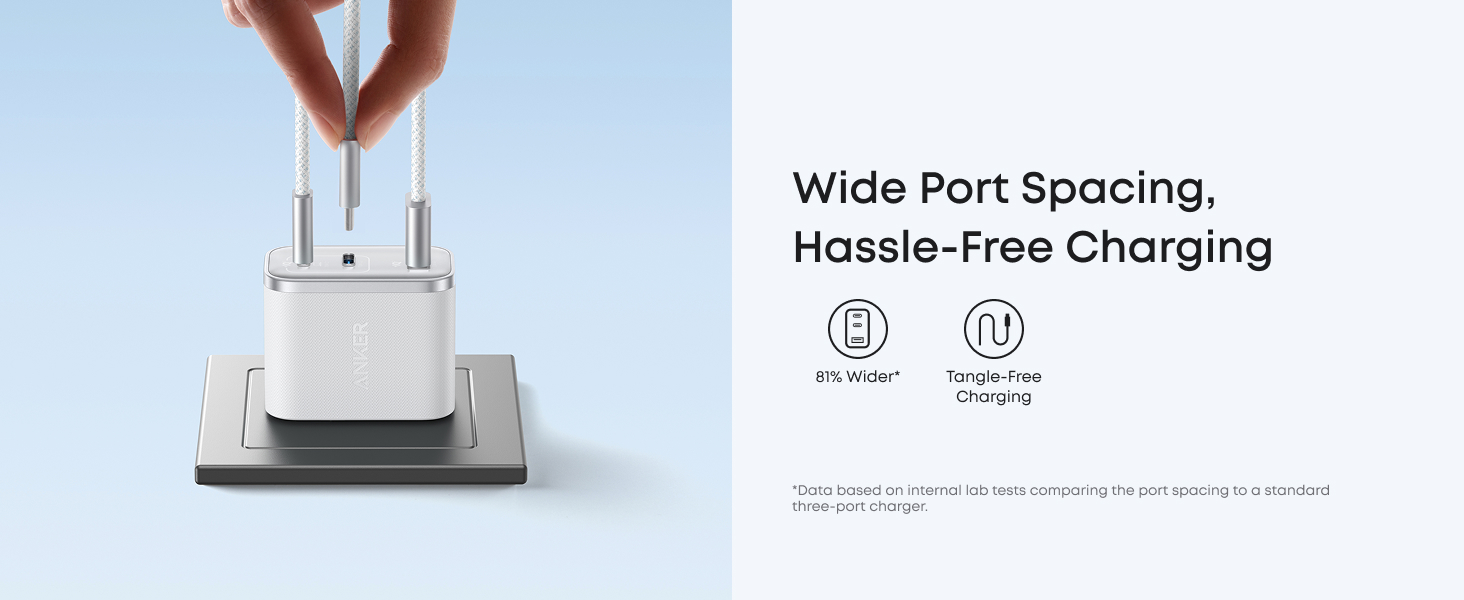
Stable Plug, Wider Ports
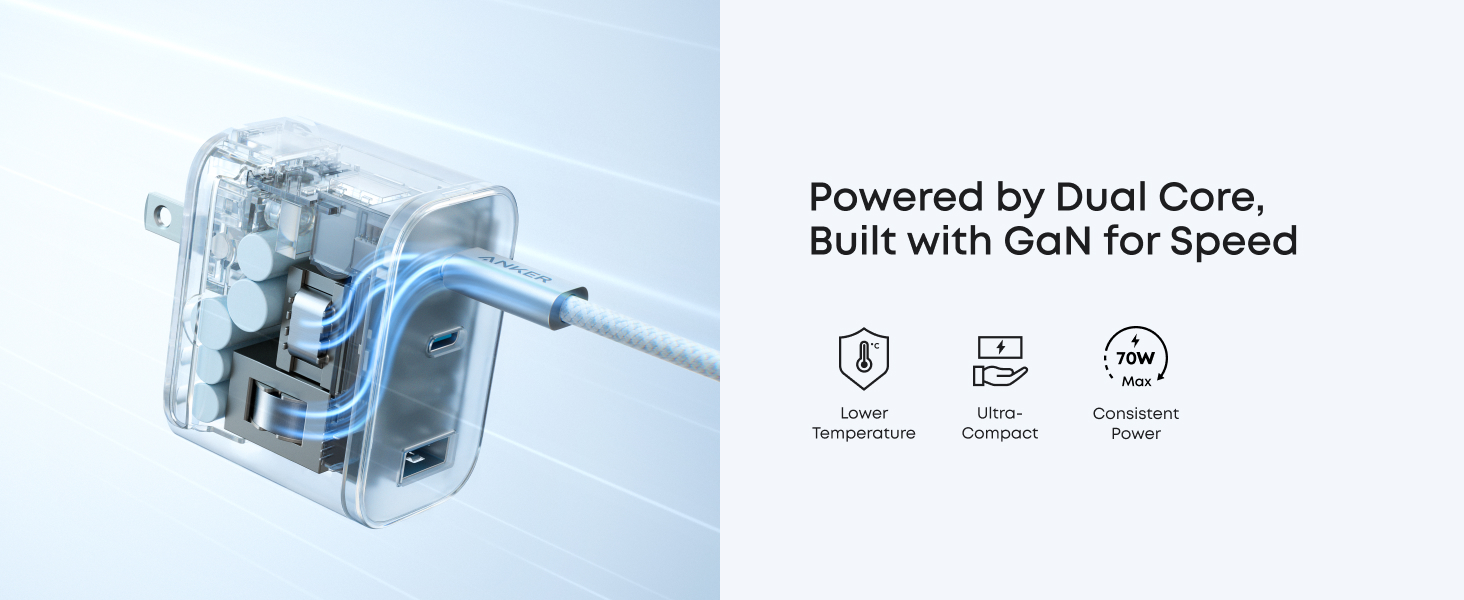
Powerful and Reliably Cool
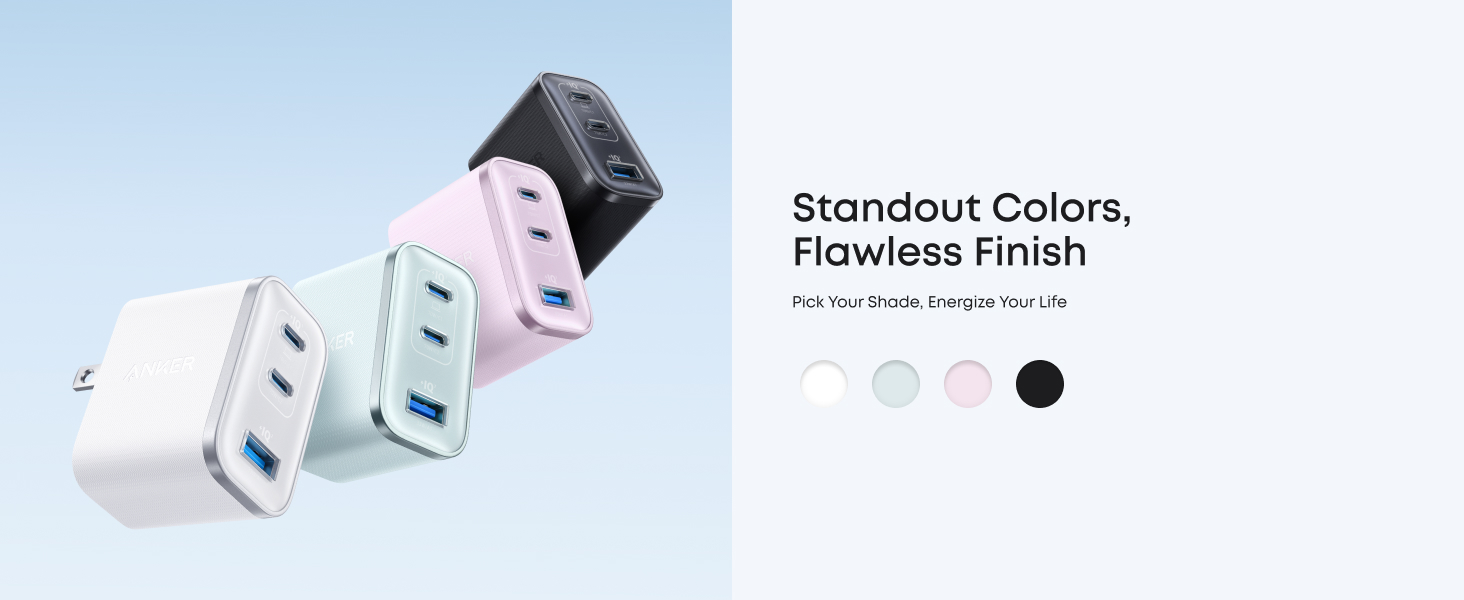
Colors to Match Your Vibe
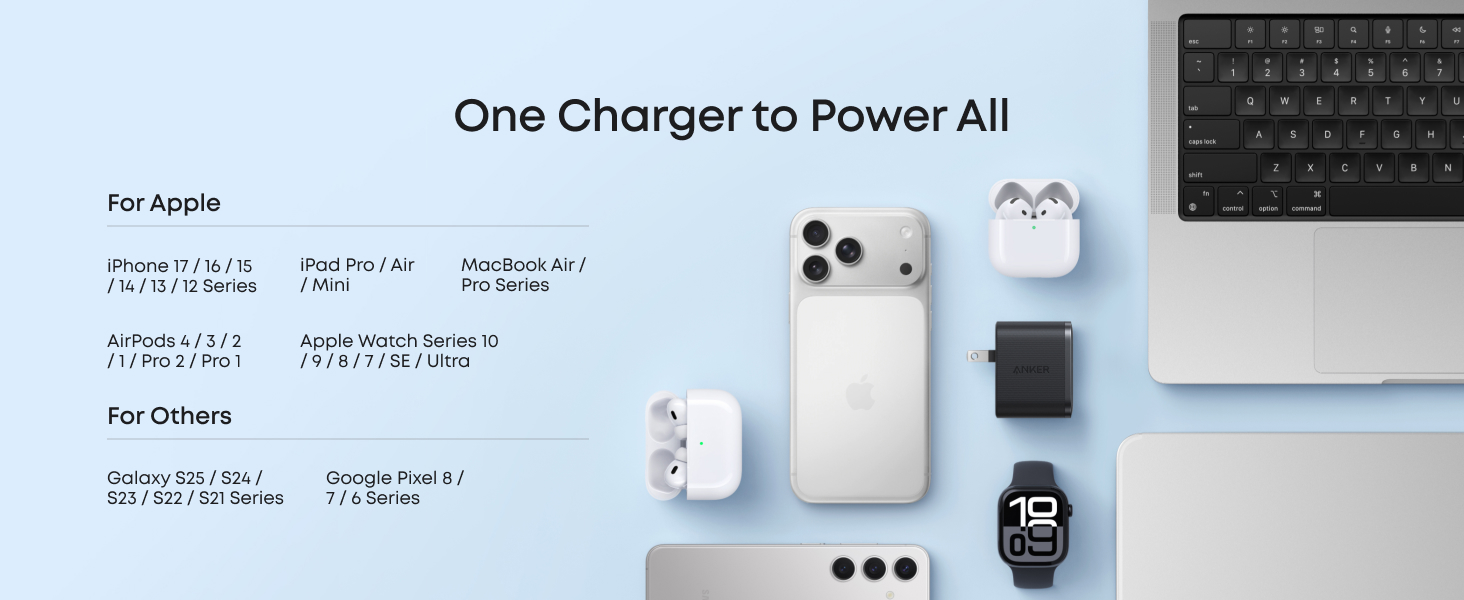
Compatibility
Devices:
Charging Protocols:
Notes:1. Data based on internal lab testing. Actual performance may vary depending on specific conditions of use.
2. Size comparison based on a standard 70W USB-C charger. Weight may vary (approx. 4.23 oz).
3. Surface temperature measured up to 50°F (10°C) lower compared to international safety benchmarks for charging devices.
Specifications
Input: 100-240V~ 50 / 60Hz, 1.8A Max
One-Port Output:
USB-C1: 5V⎓3A / 9V⎓3A / 15V⎓3A / 20V⎓3.5A (70W Max)
USB-C2: 5V⎓3A / 9V⎓3A / 10V⎓2.25A / 15V⎓3A / 20V⎓3.5A (70W Max)
USB-A1: 5V⎓3A / 9V⎓2A / 12V⎓1.5A / 10V⎓2.25A / 11V⎓3A (33W Max)
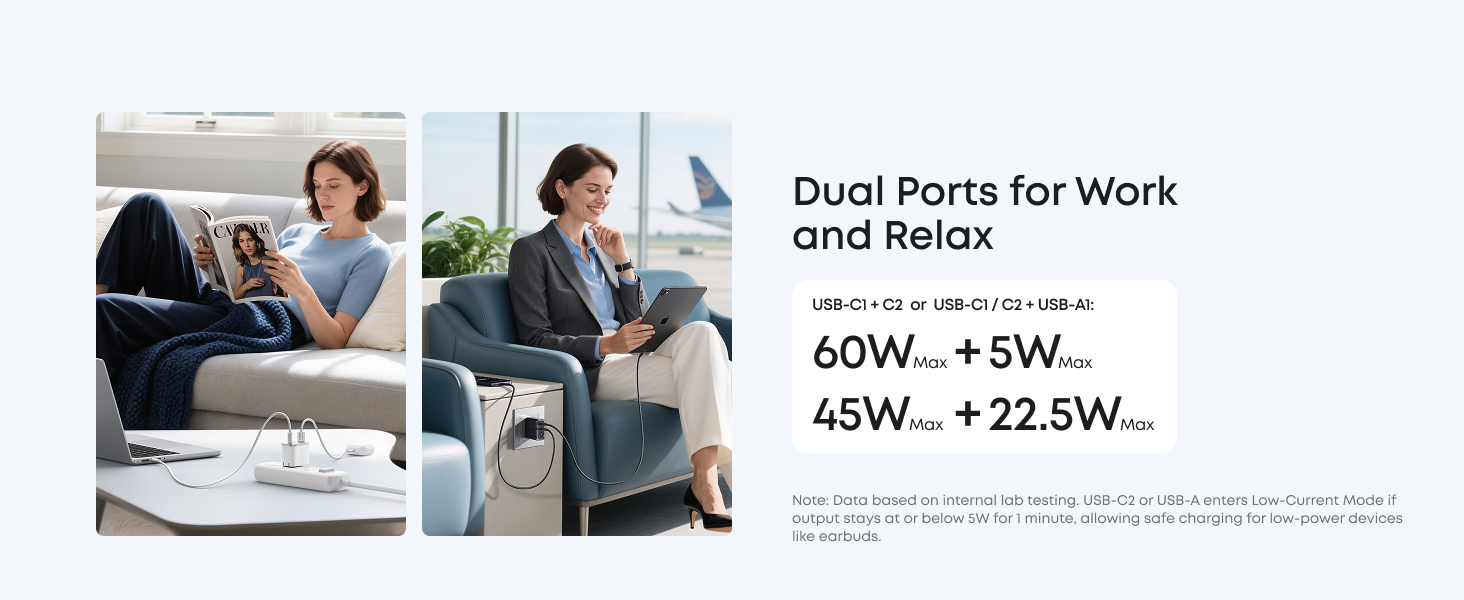
Two-Port Output:USB-C1 + USB-C2: 45W + 22.5W or 60W + 5W USB-C1 / C2 + A1: 45W + 22.5W or 60W + 5W
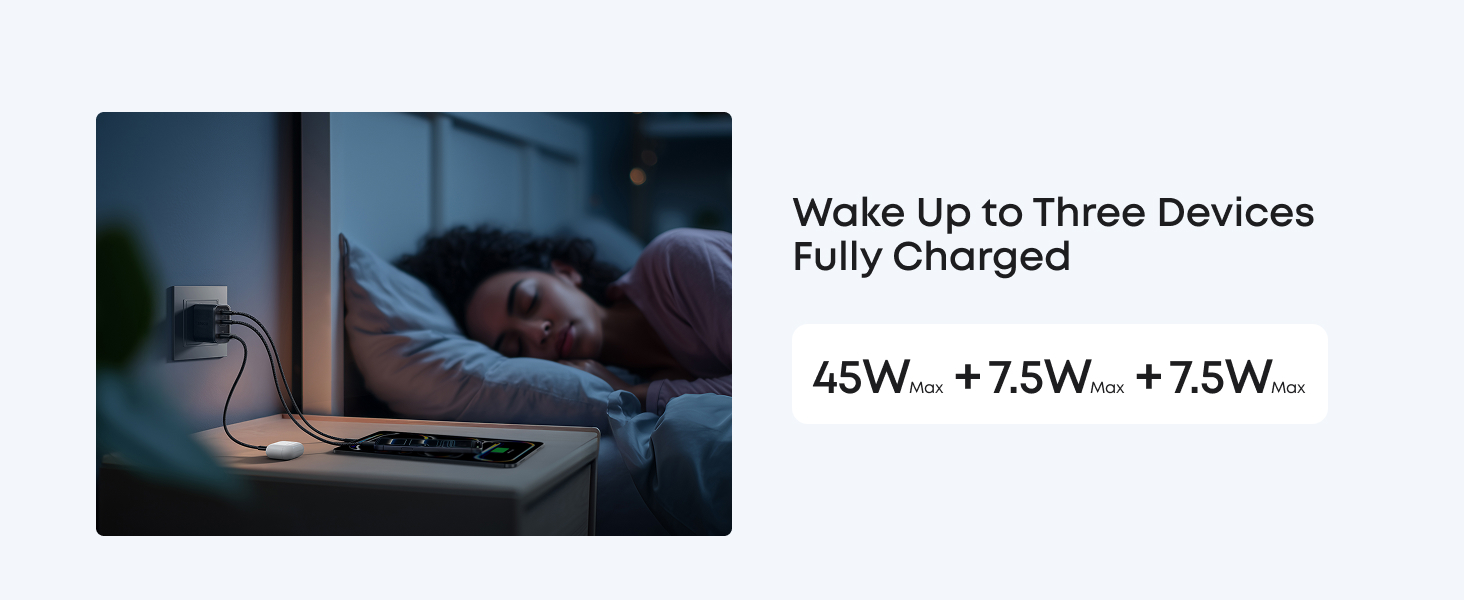
Three-Port Output: USB-C1 + USB-C2 + USB-A1: 45W + 7.5W + 7.5W
Dimensions: 2.09 × 1.68 × 1.24 in (53 × 42.6 × 31.5 mm) Weight: 4.23 oz (120 g)
What should I do if low-current devices cannot be fully charged?
This charger supports low-current devices from mainstream brands (e.g., Apple, Samsung, Huawei). However, for niche devices like electric shavers or hearing aids, we recommend using the USB-A port alone for a better charging experience.
What should I do if the charging icon on my MacBook is delayed?
When charging a MacBook with a third-party wall charger, you may see a plug icon first. After about one minute, it will switch to a lightning bolt. This is normal and charging continues normally.
Why is it charging slower than expected or why doesn't the charger reach 70W?
Charging speed varies depending on battery level, temperature, and how the device is being used. Maximum output is usually reached when the battery is low and the screen is off. This is normal and can occur even with the original charger.
Why does my laptop charge slower than expected?
A "slow charging" notification can appear if your laptop's power requirement exceeds this charger's maximum C1 port output of 70W. For best performance, please check your laptop's original charger to confirm its rated power.
Does this charger support 60W Super Fast Charging 3.0?
No, it does not.
From the brand